n8n vs Make.com: Which Automation Tool Should You Use?
We build automations with both. Here's when to use n8n (self-hosted, no per-execution costs) vs Make.com (visual, team-friendly) — with real pricing math.
Hyflint Team
AI & Automation
Quick Decision Framework
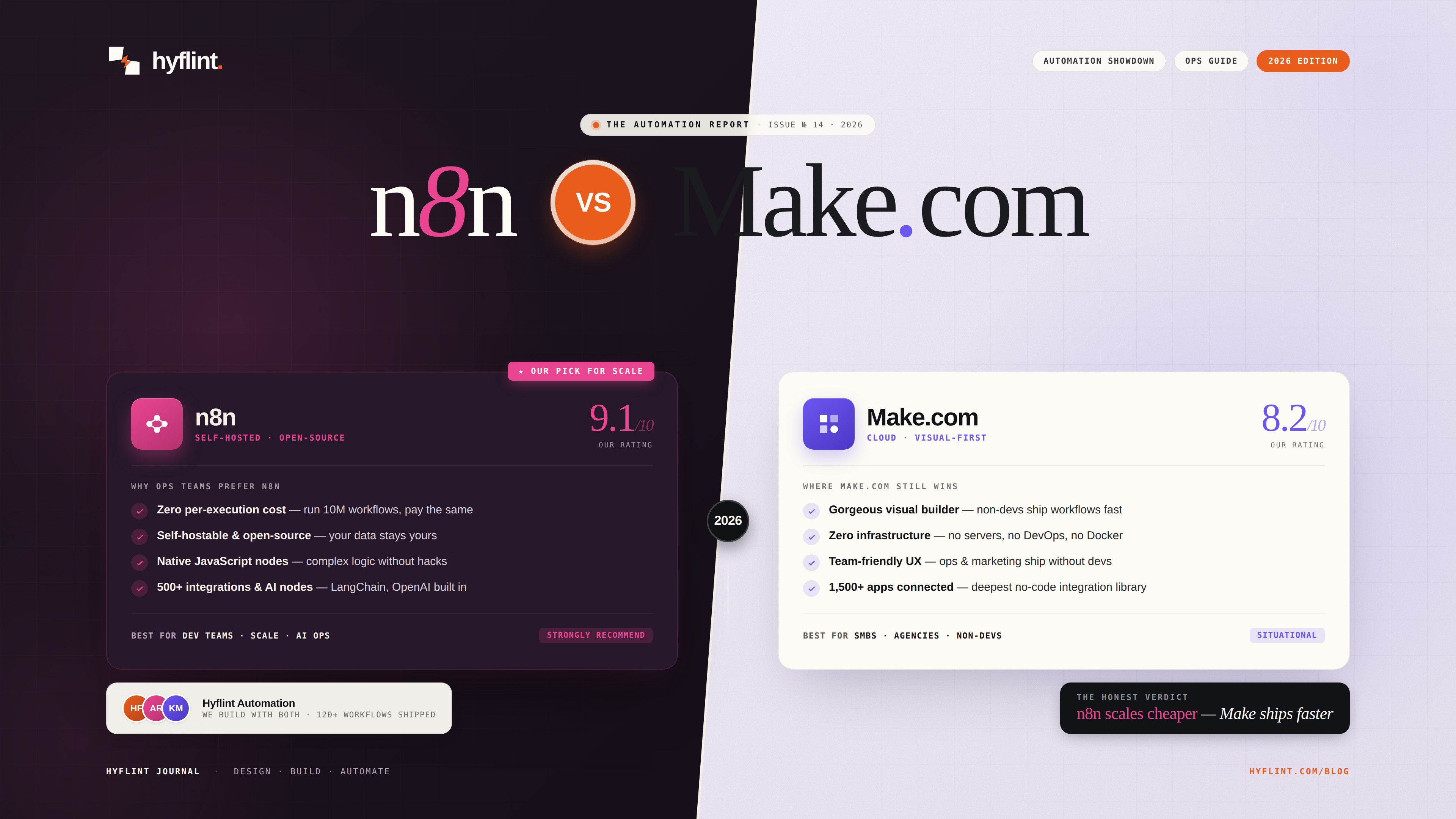
Choose n8n if:
- You run high-volume workflows (1,000+ executions/day)
- Data privacy is critical (self-hosted, your infrastructure)
- You want no per-execution pricing caps
- Your team is comfortable with slightly more technical UI
Choose Make.com if:
- Your team is non-technical (marketing, ops, sales)
- You need a visual builder with drag-and-drop simplicity
- You want pre-built templates for common integrations
- Volume is moderate (<500 executions/day)
Pricing Comparison (Real Math)
Scenario: 10,000 workflow executions per month
Make.com:
- Teams plan: $42/month (10,000 ops)
- But "operations" ≠ "executions" — a 5-step workflow uses 5 ops per run
- Real capacity: ~2,000 workflow runs for a 5-step workflow
- To hit 10,000 runs: ~$200/month
n8n:
- Self-hosted: $0/month (your server costs ~$5–20/month)
- n8n Cloud: starts at $24/month with no execution limits on starter
- Real capacity: unlimited executions (you pay for the server, not the usage)
At scale, n8n is 5–10x cheaper. But Make.com's free tier and visual interface make it the better starting point for teams testing automation for the first time.
Integration Ecosystem
Both support 500+ integrations. The major difference:
- Make.com has more polished, pre-built connectors with visual configuration. Setting up a Slack + Google Sheets + HubSpot workflow takes 10 minutes.
- n8n has a growing community library and lets you write custom JavaScript/Python nodes. More powerful for custom integrations, but requires more setup.
For standard SaaS-to-SaaS workflows (CRM → email → spreadsheet), Make.com is faster to set up. For anything involving custom logic, API calls to your own services, or data transformation, n8n is more flexible.
AI Integration
This is where n8n pulls ahead in 2026:
- n8n has native LangChain integration, vector store support, and AI agent nodes. You can build RAG systems, AI agents, and multi-step reasoning chains directly in the workflow builder.
- Make.com supports OpenAI and basic AI calls, but lacks the depth for complex AI workflows. You'll hit walls quickly if you're building anything beyond "send text to GPT and get a response."
If AI automation is your primary goal, n8n is the clear winner.
Our Recommendation
Start with Make.com if you're automating for the first time. Build your first 3–5 workflows, validate the ROI, then evaluate whether to migrate to n8n for cost savings at scale.
Start with n8n if you're building AI-powered automations, processing sensitive data, or expect high volume from day one.
Or just talk to us. We build with both daily and can set up the right tool for your specific use case in a fraction of the time it'd take to learn it yourself.
Need help with this?
We build exactly what this article covers. Book a free call and let's talk about your project.
Start a conversation